 WMT
Secure Documents
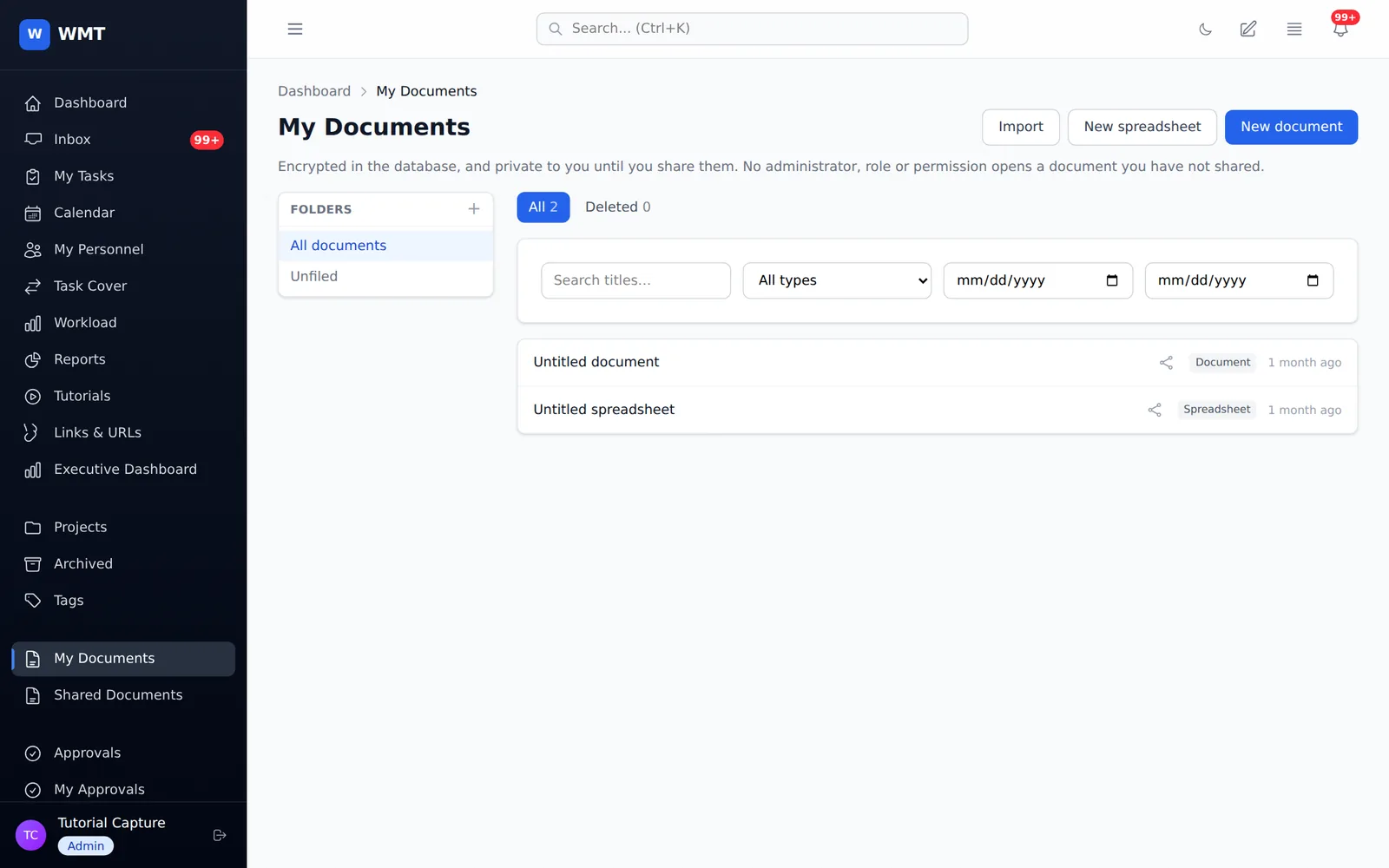
Encrypted Word and Excel documents, edited in the browser. Share each one with named people, set download rights separately, and lock it with an optional PIN. No administrator can open a document that wasn't shared with them.
Workload Management Tool
WMT combines Asana-style project management with operational governance: forms that file work on their own, rules that move it along, approval chains that route it to the right people, and dashboards that follow your divisions, departments and teams.
Projects & tasks
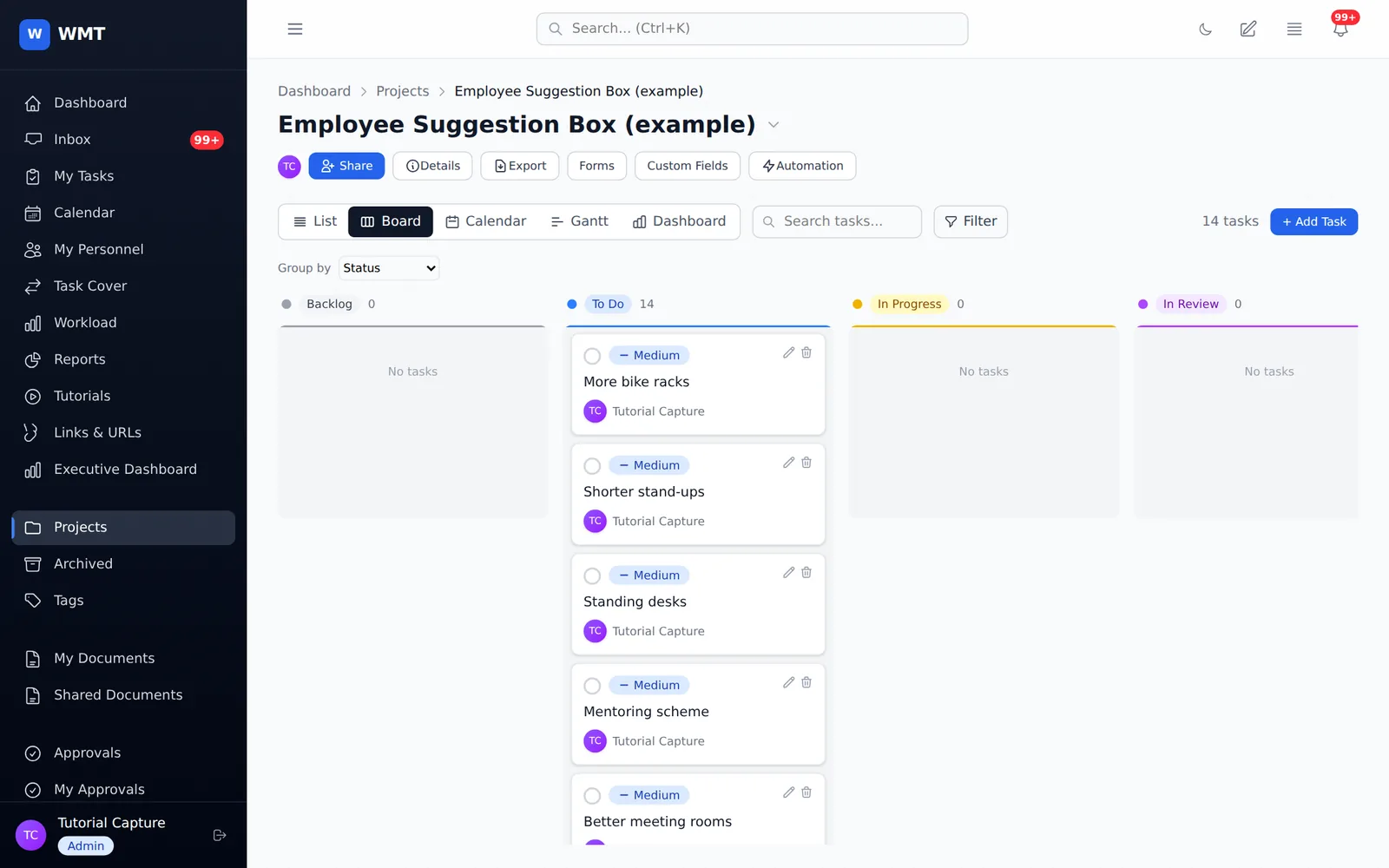
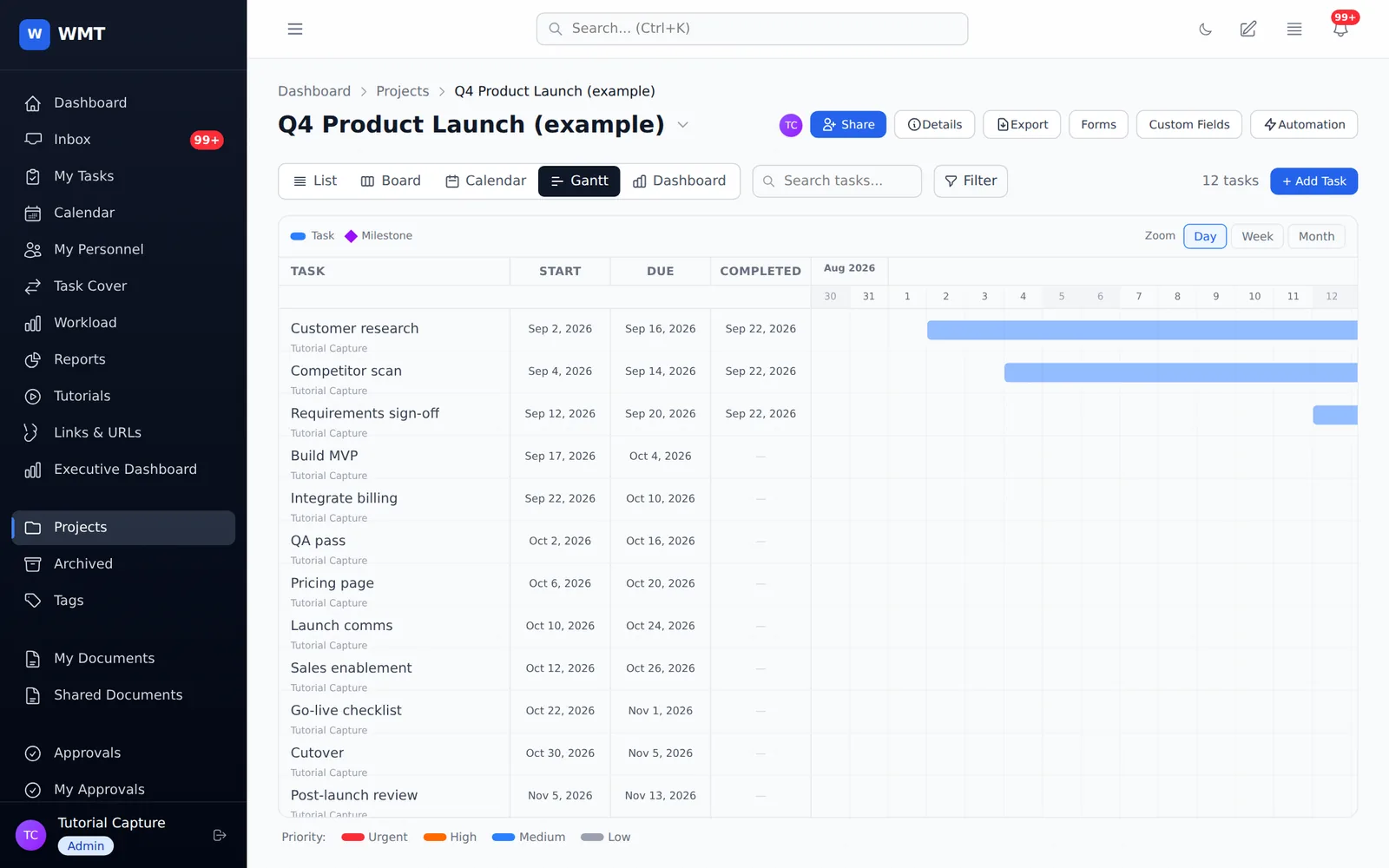
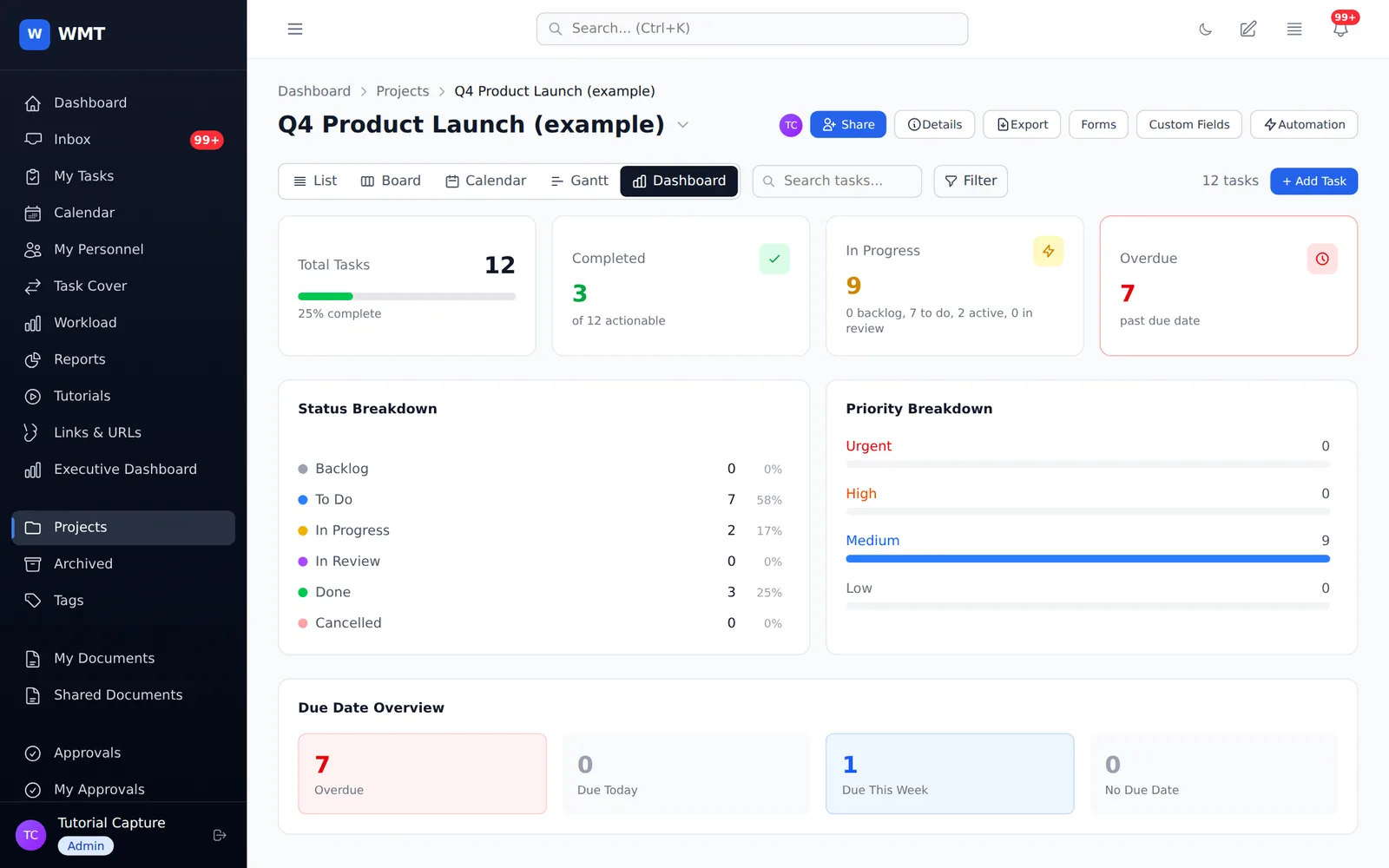
Switch between a list, a Kanban board, a calendar, a Gantt timeline and a live dashboard without leaving the page. Every view edits the same tasks, and changes reach everyone who has the project open in real time.
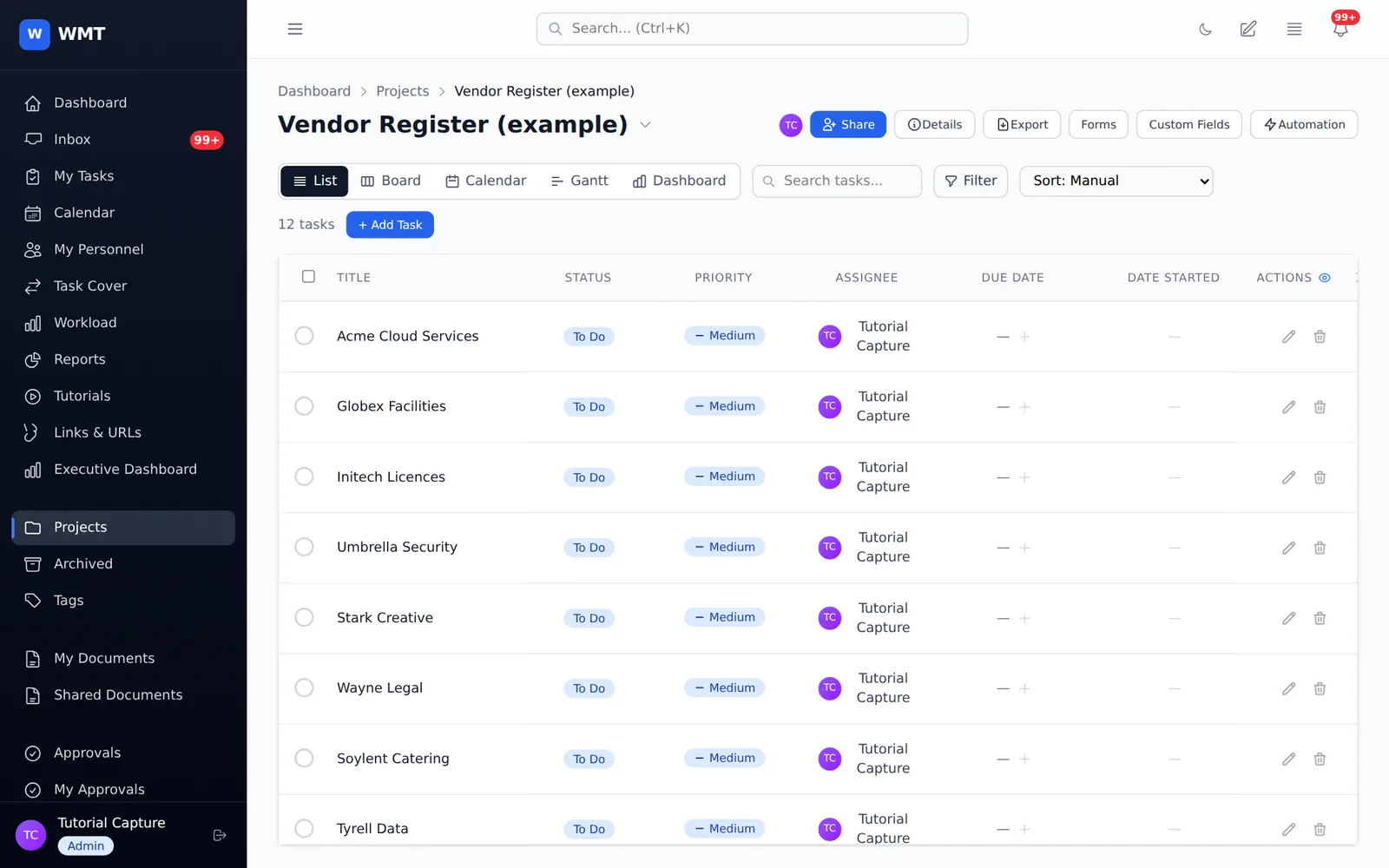
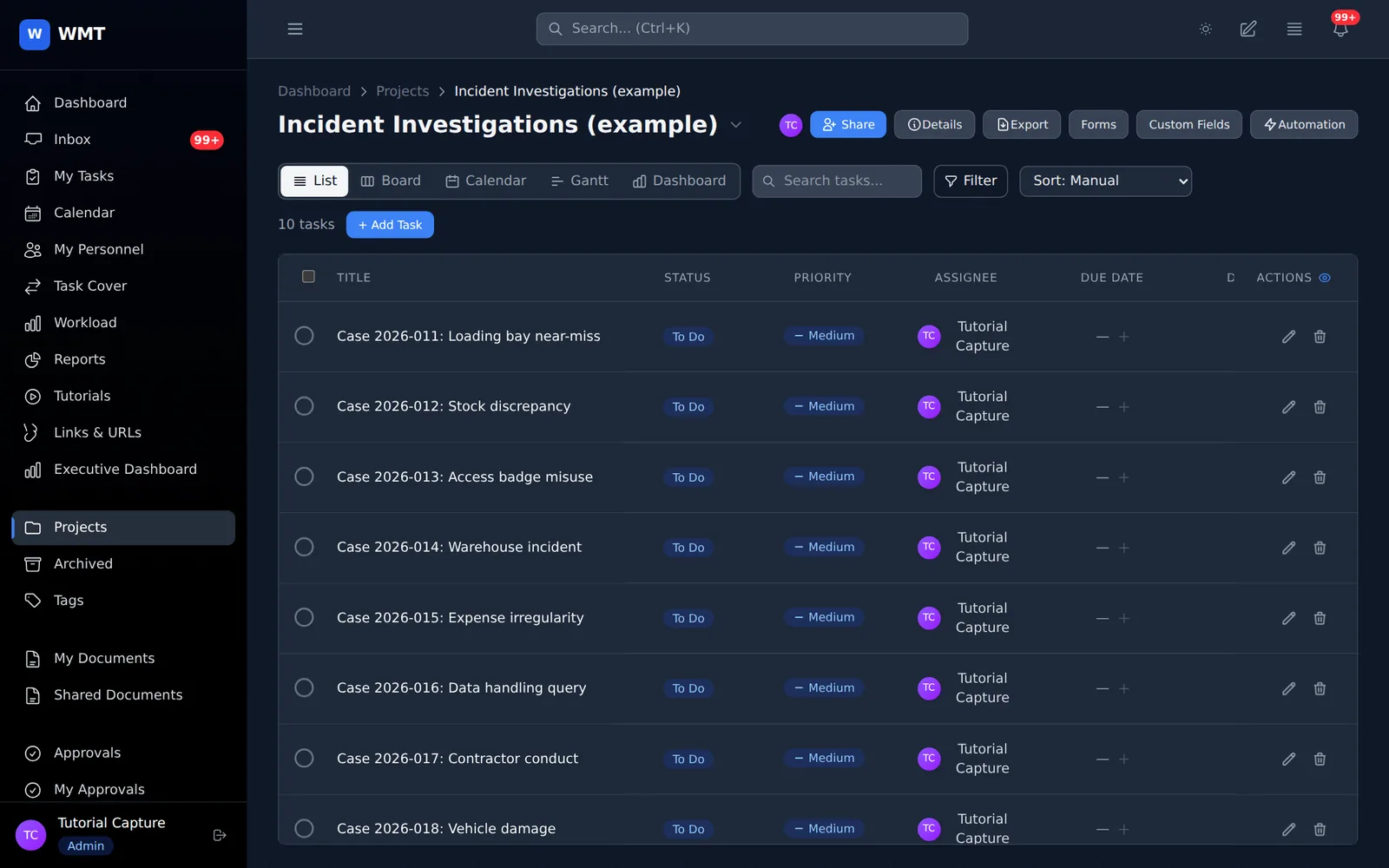
List: inline editing of status, priority, assignee, dates and custom fields, with multi-select bulk edits.
Inside a task
Rich-text descriptions, comments with @mentions and file attachments, and a full activity trail recording who changed what, including every custom field value.
Custom fields
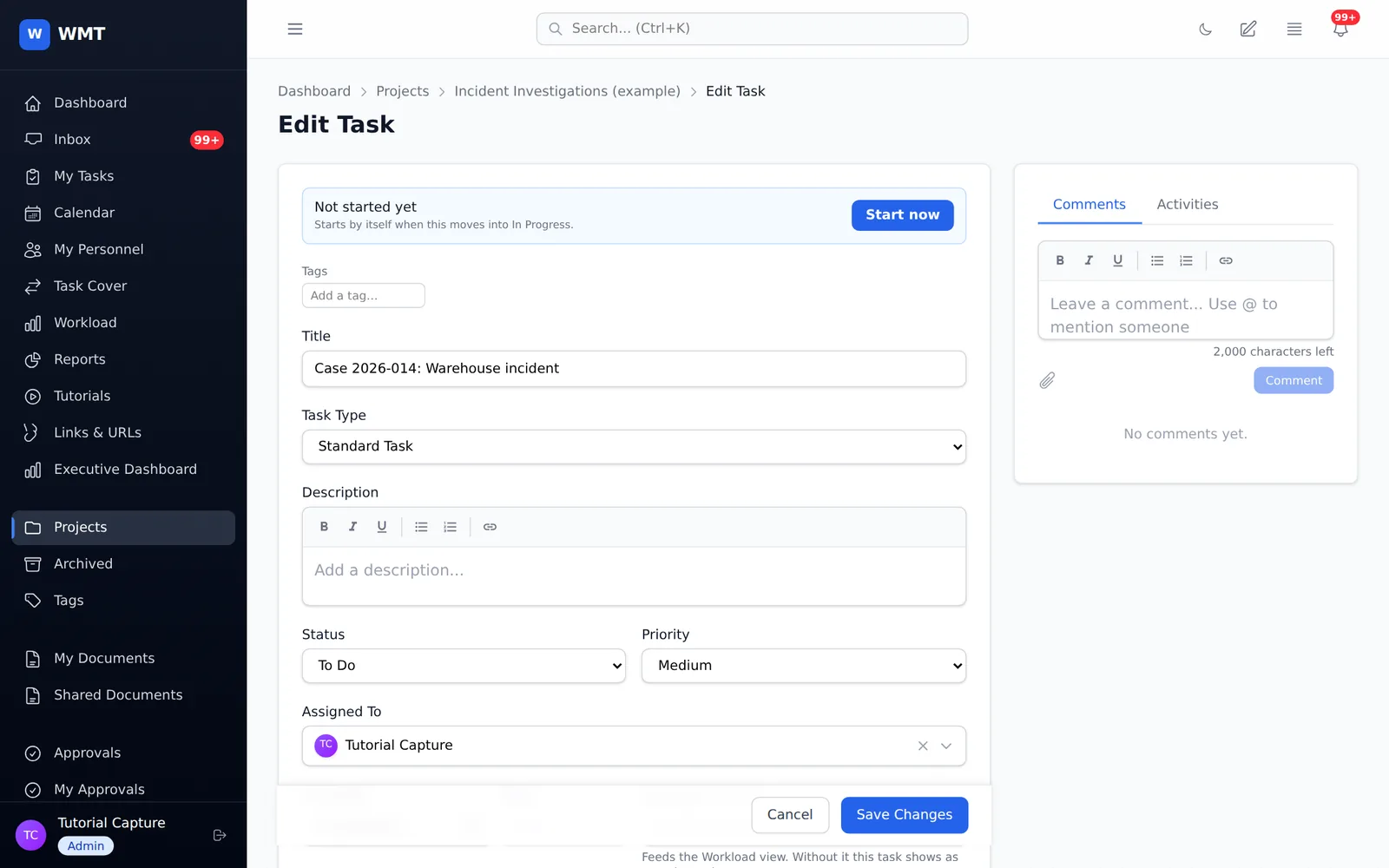
Risk registers, vendor lists and audit checklists all need different columns. Add text, long text, number, date, single and multi select, people and formula fields per project, and edit them right in the list.
Forms & intake
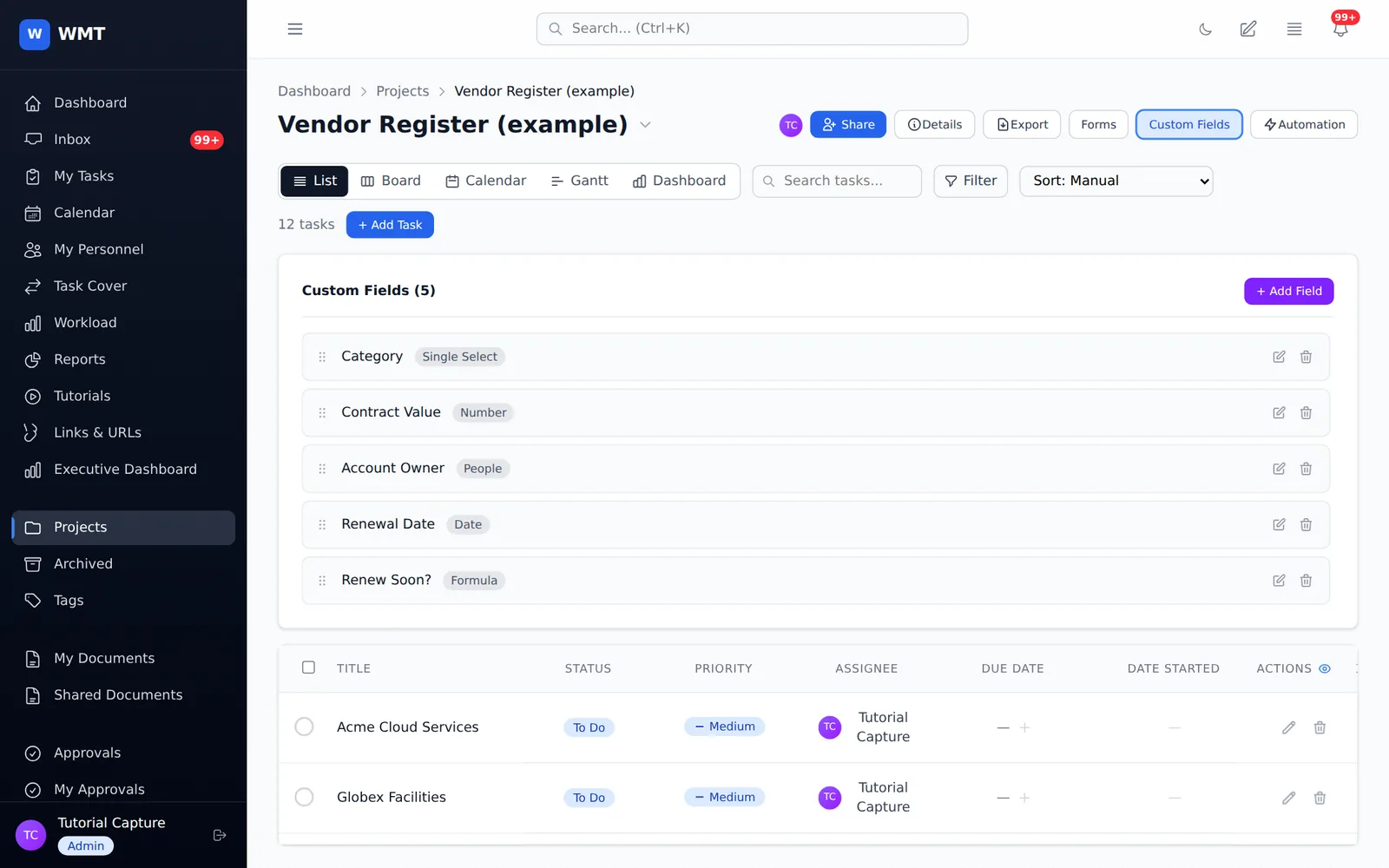
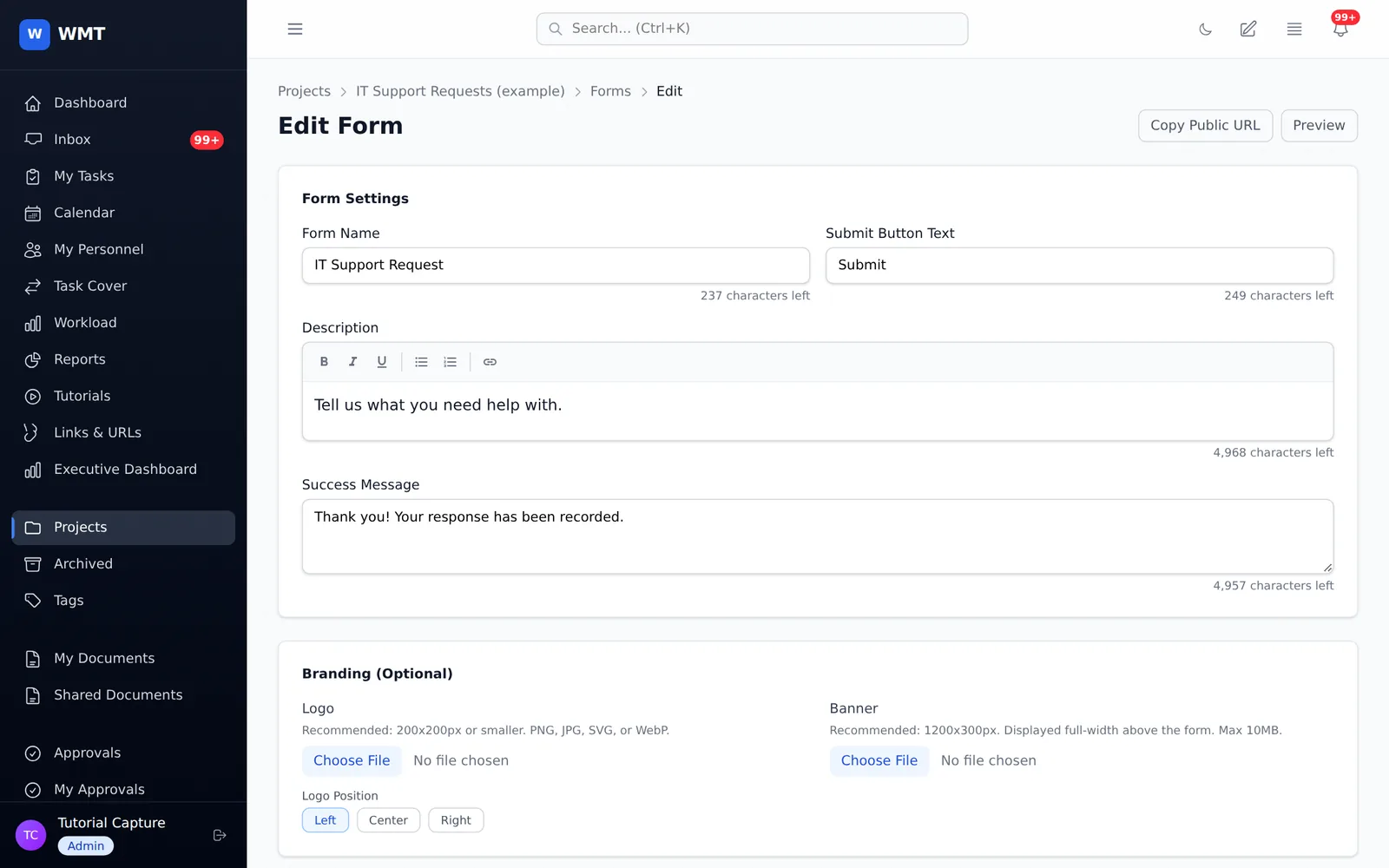
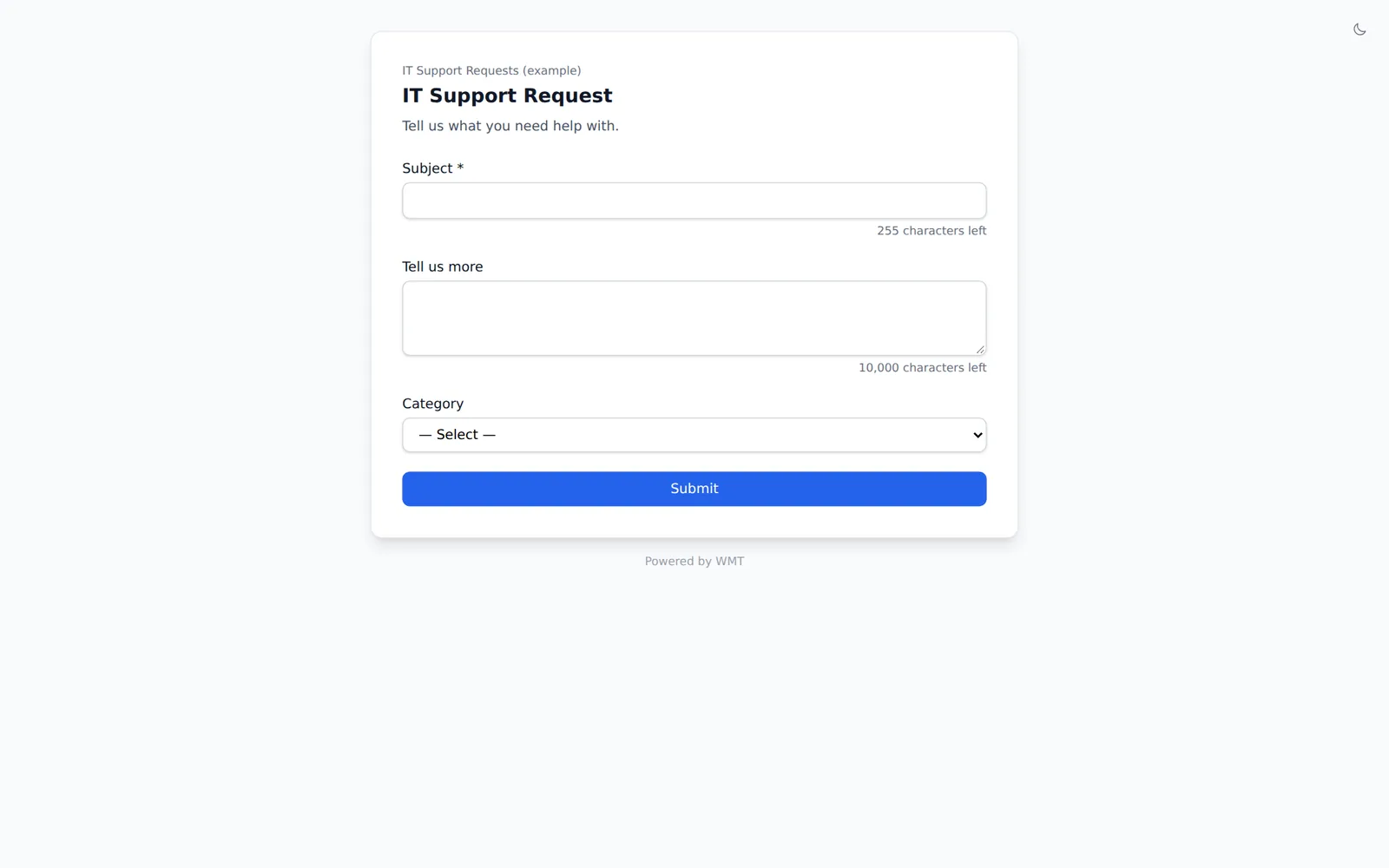
Build a form, share its link, and every submission arrives as a task in the right project and section, with its answers already filled into custom fields. Nobody needs an account to submit.
Automation
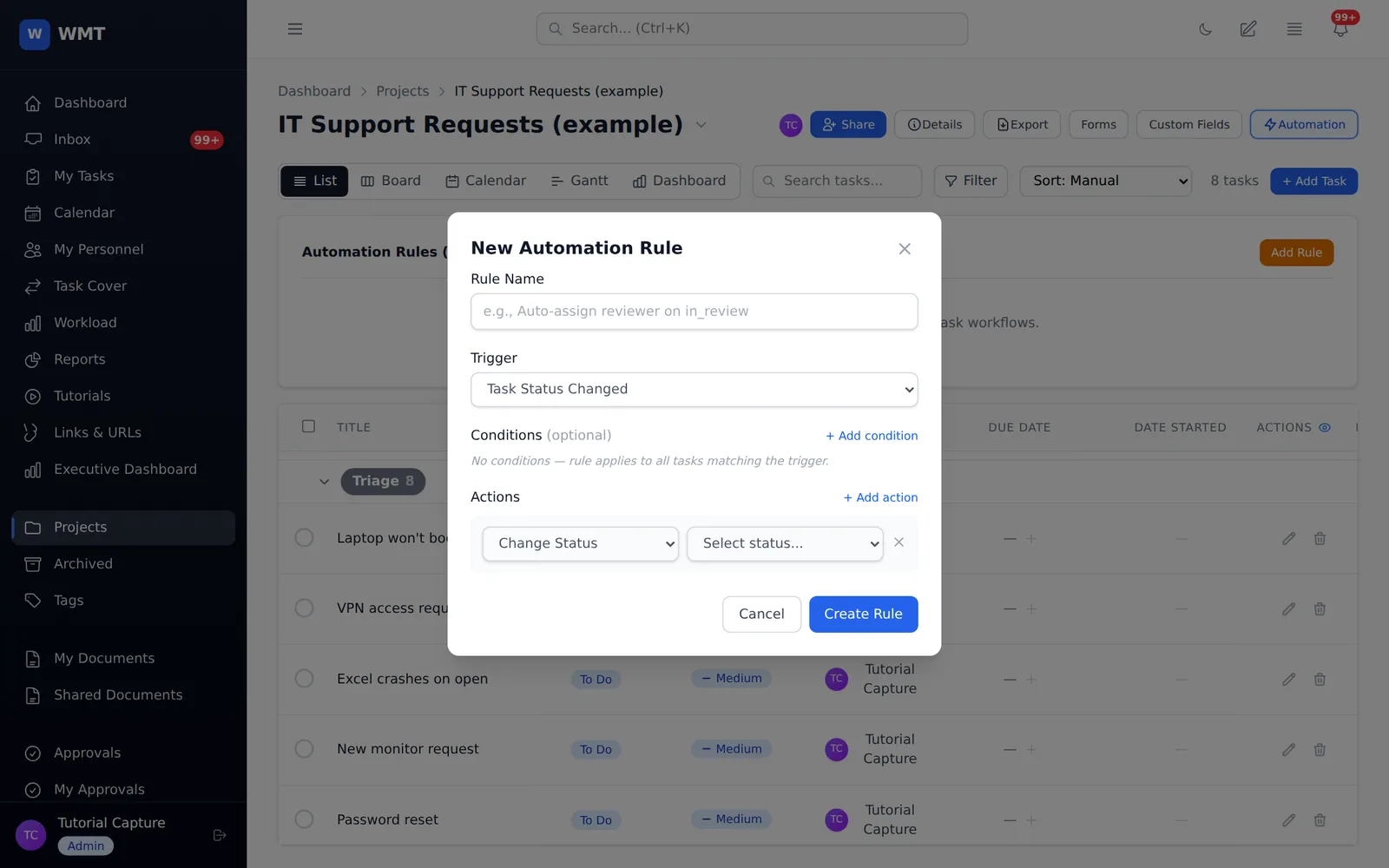
Choose a trigger, add conditions, then pick actions. A rule can assign the right person, move a task to a section, set a field, post a comment or notify someone, on every matching task from then on.
Approvals
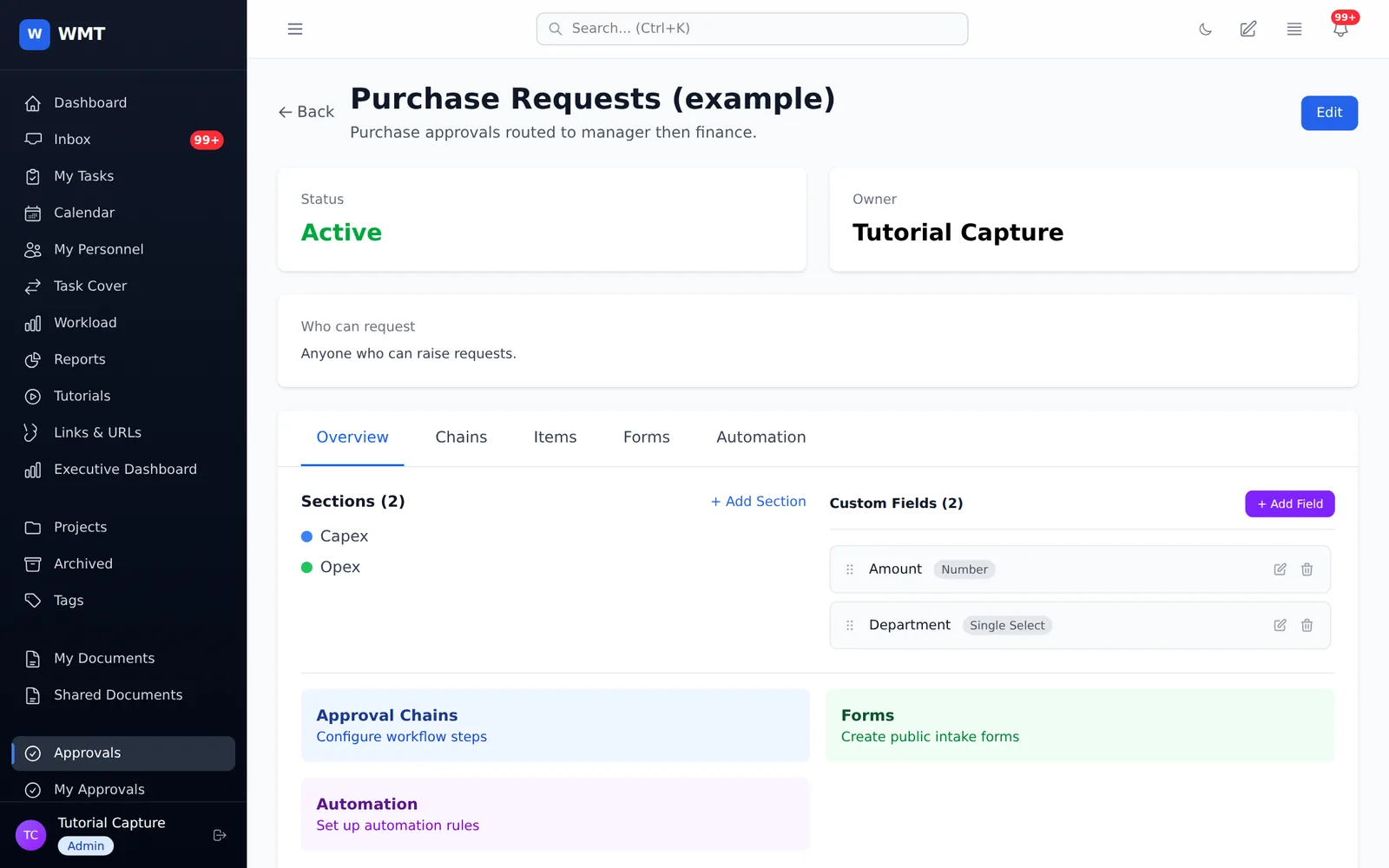
Purchase requests, leave, sign-offs and anything else that needs a yes. Requests come in through a form and move through the steps you define, each one decided by the right people.
Your day
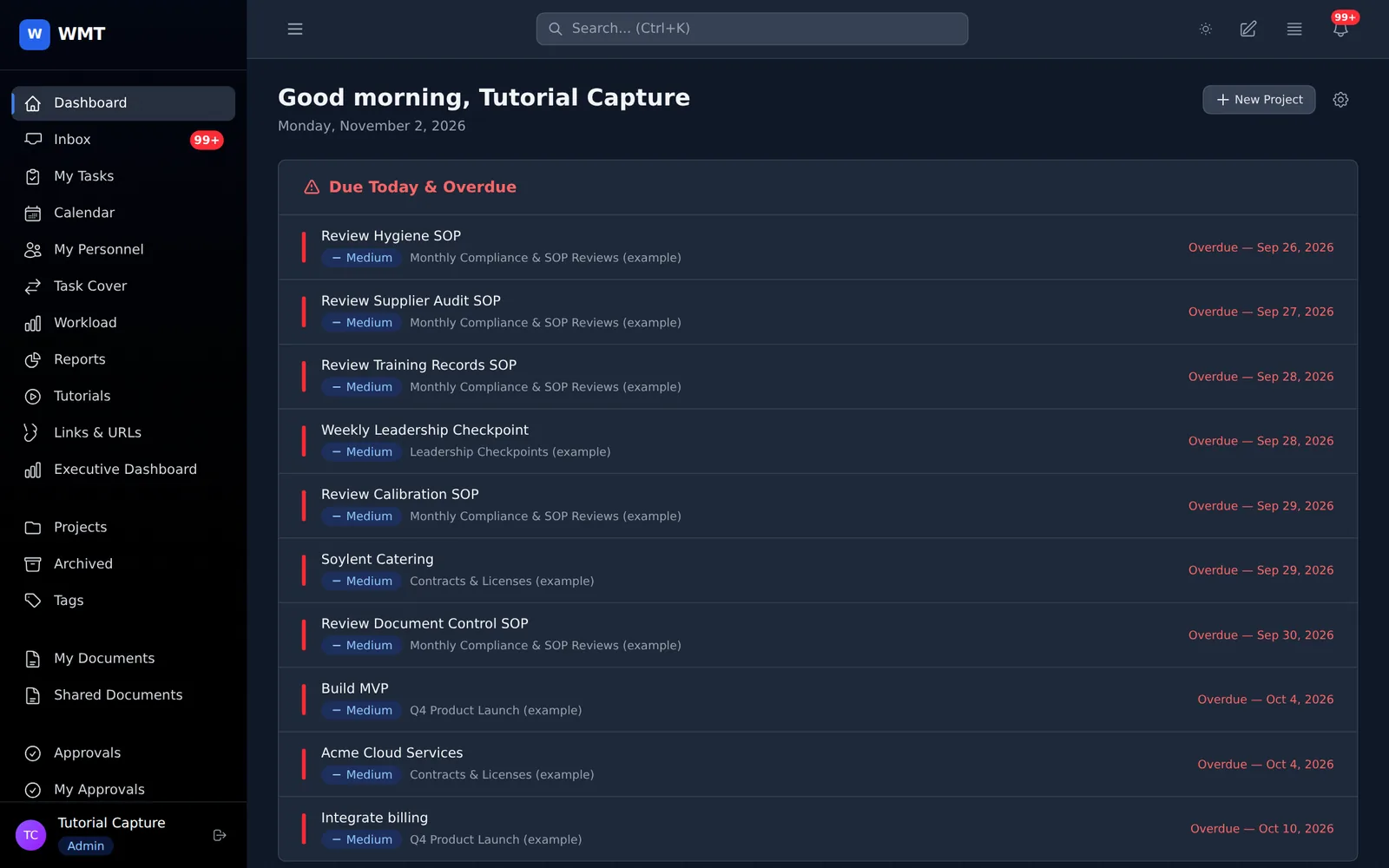
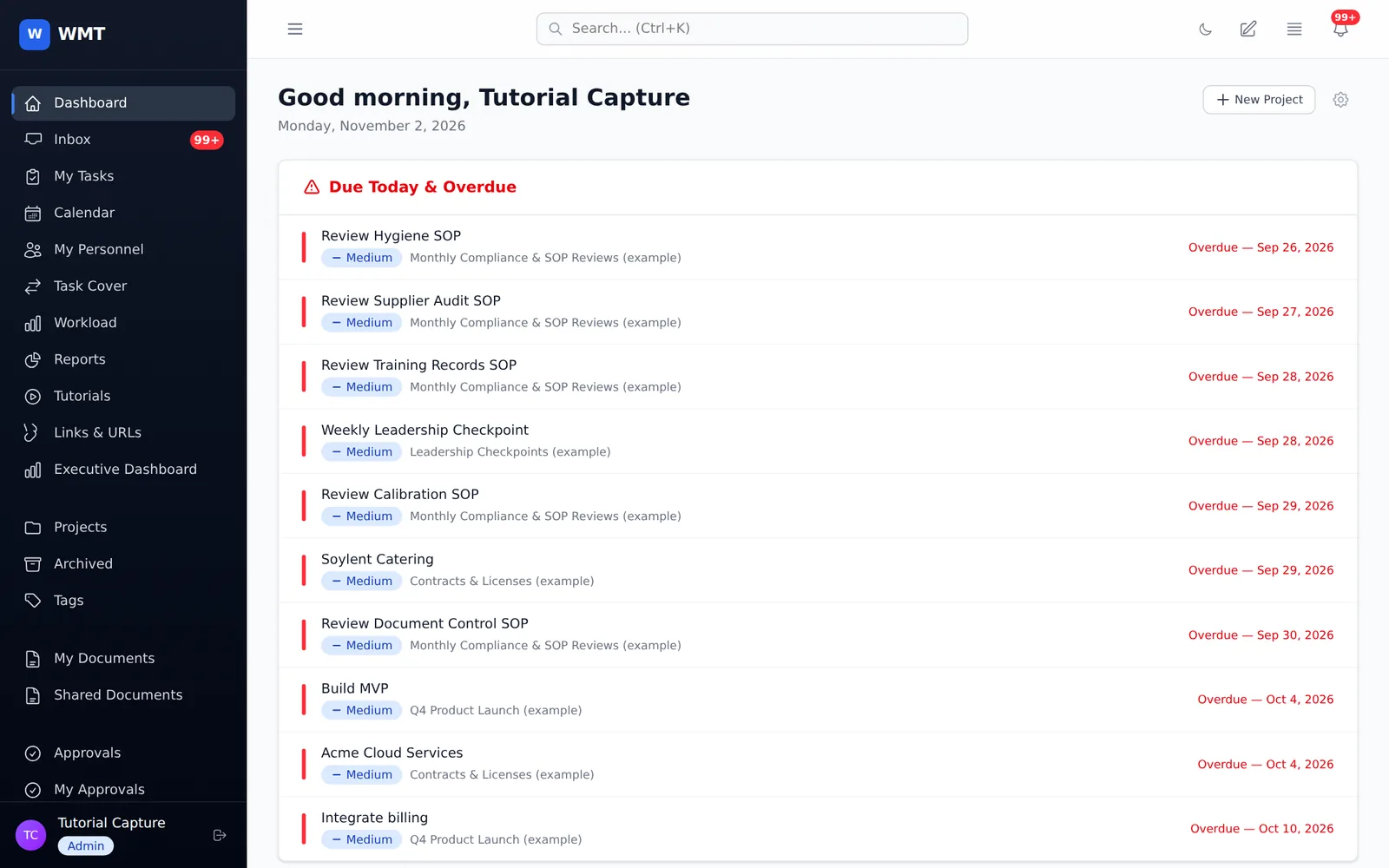
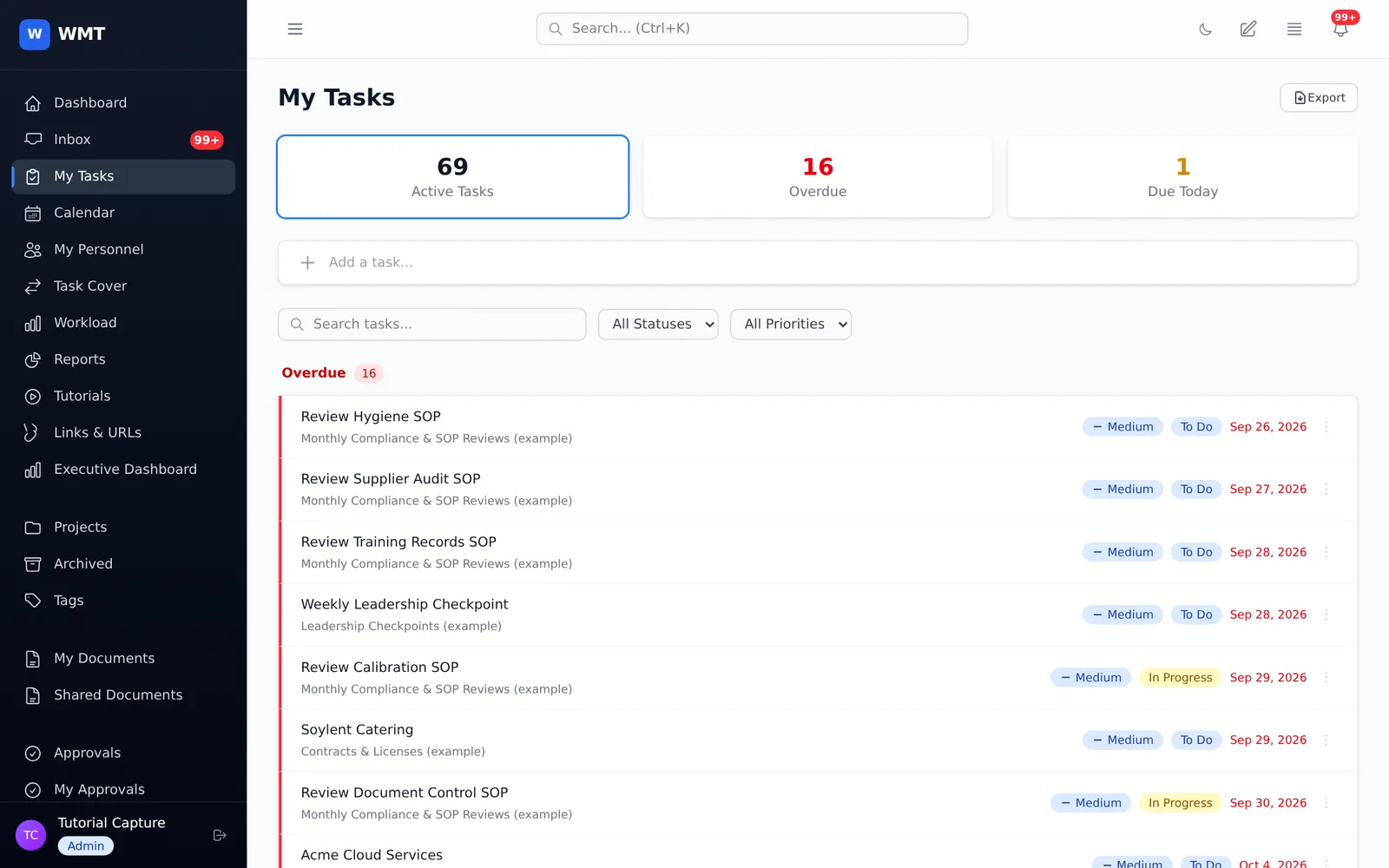
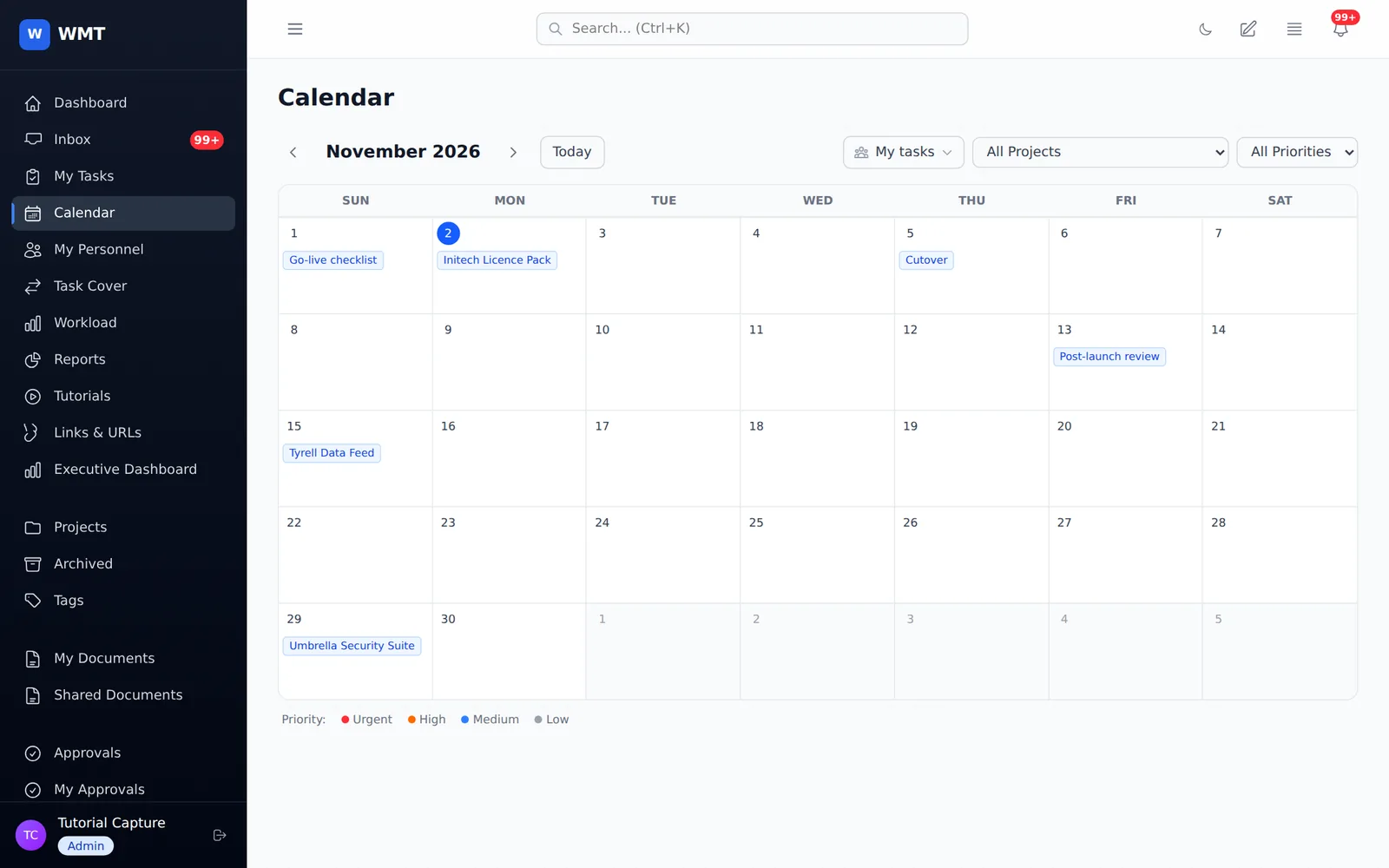
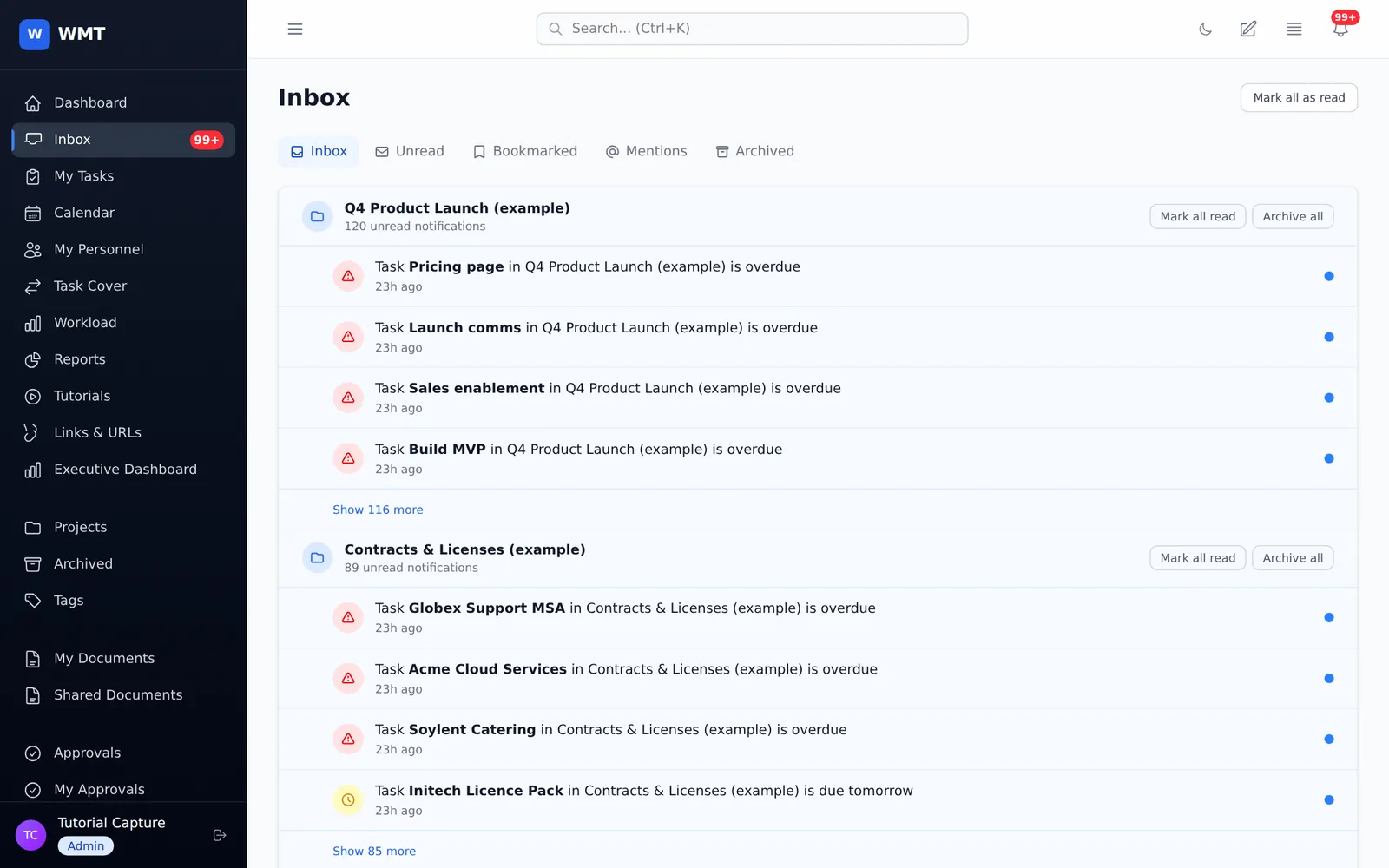
My Tasks gathers everything assigned to you across projects, grouped by urgency. The calendar shows your week at a glance, and the inbox keeps every notification in one place.
Oversight
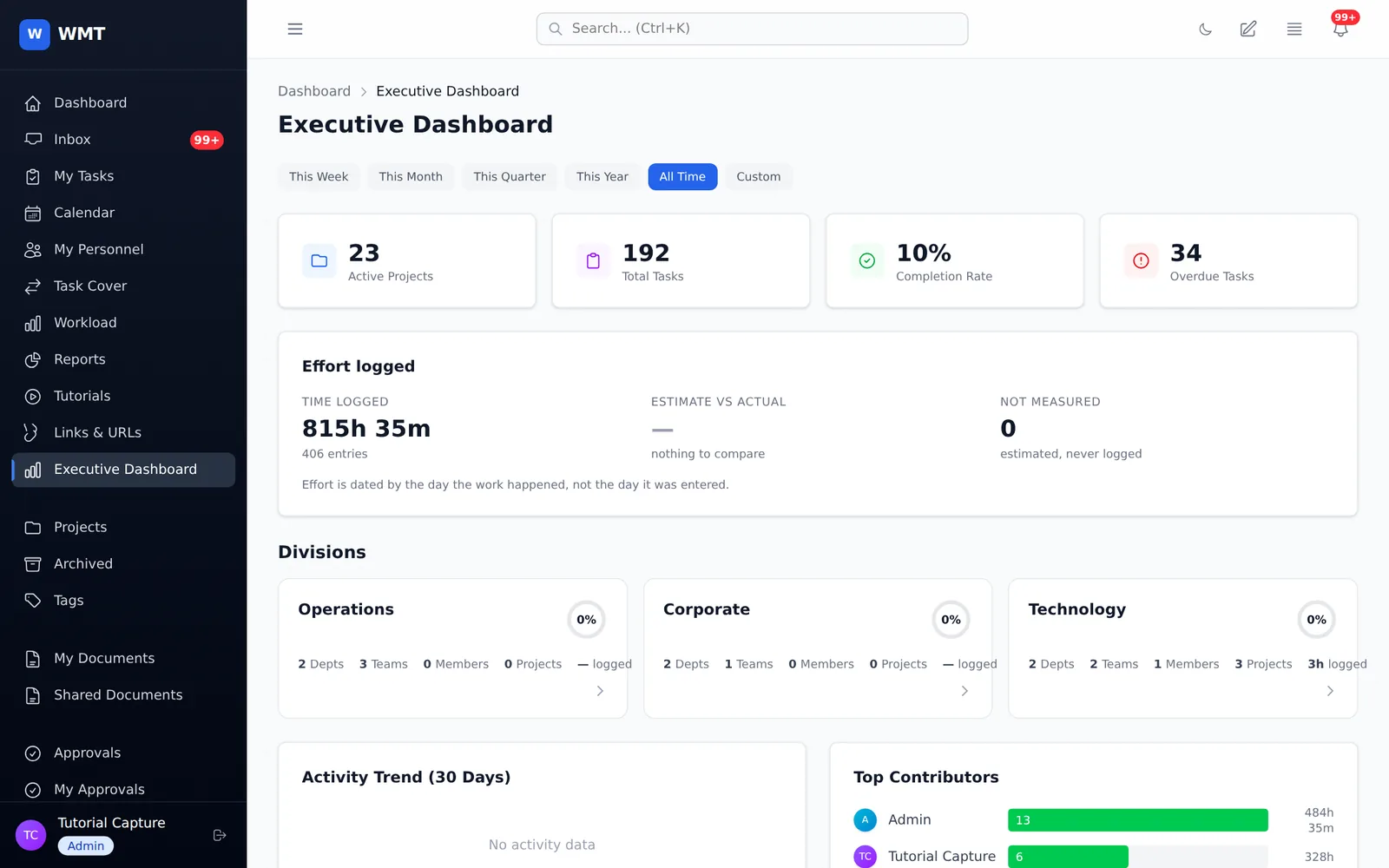
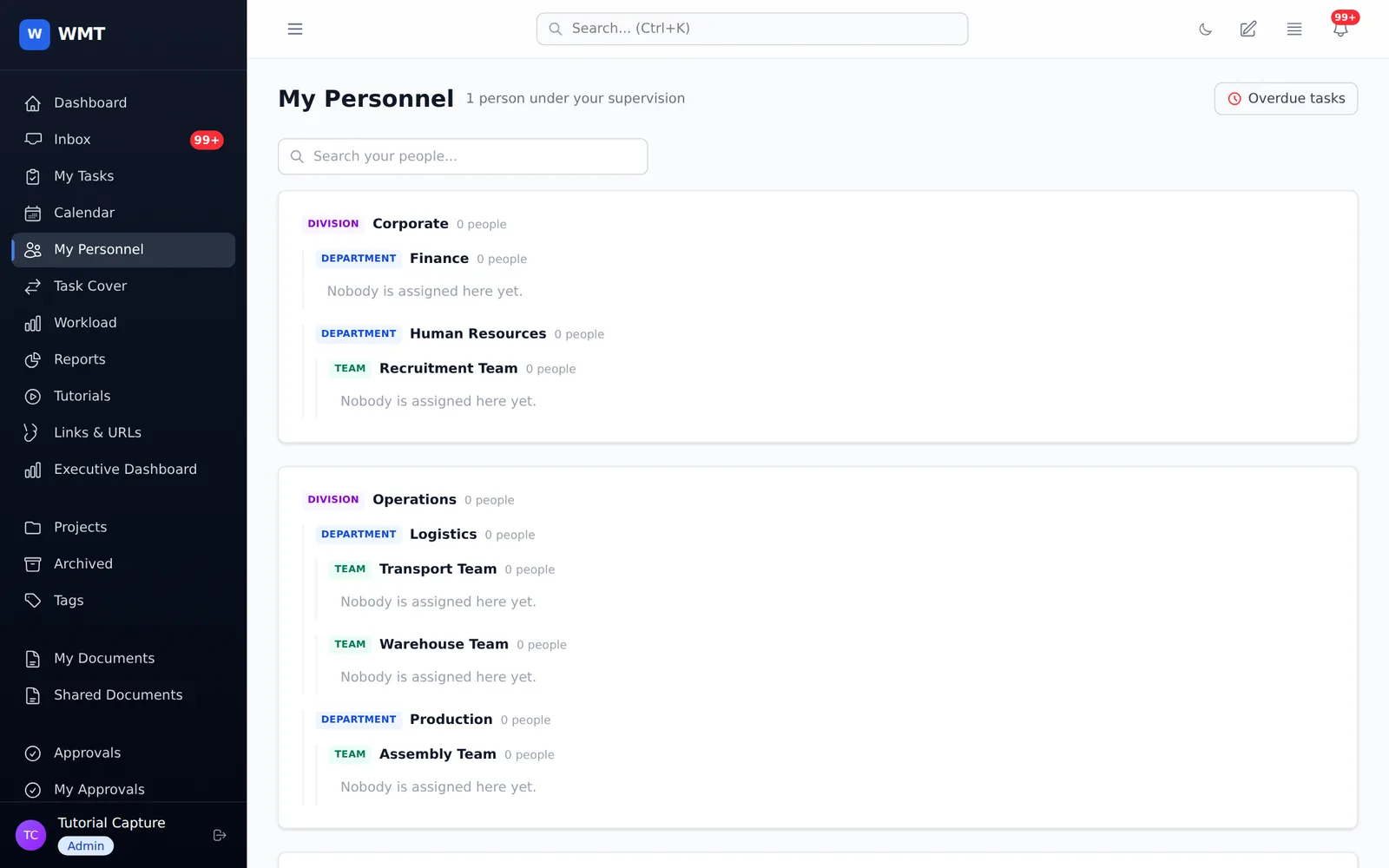
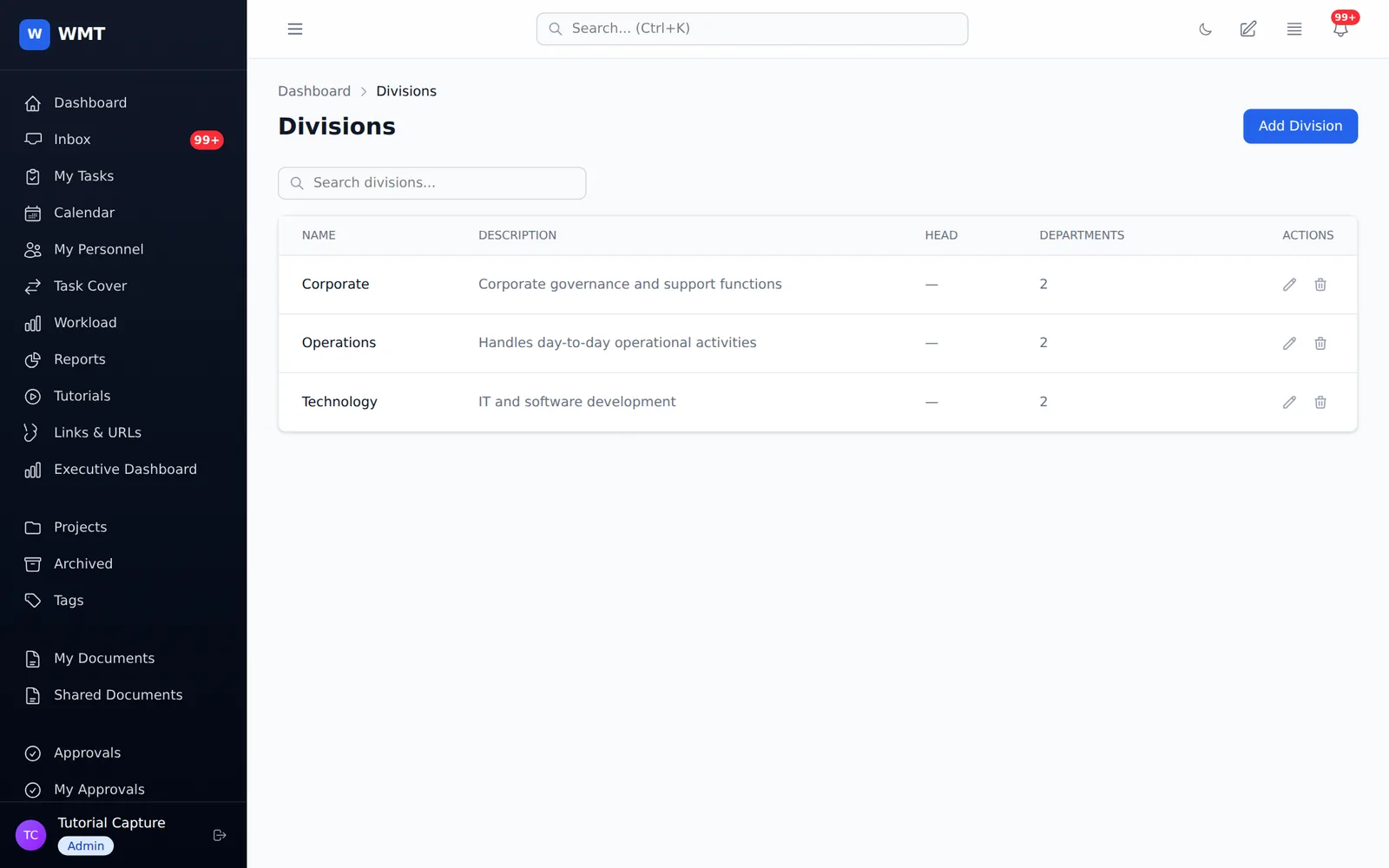
Divisions, departments and teams are part of the system. Heads and leaders automatically see the work under them, and executives can drill from the whole organisation down to a single team.
And more
Encrypted Word and Excel documents, edited in the browser. Share each one with named people, set download rights separately, and lock it with an optional PIN. No administrator can open a document that wasn't shared with them.
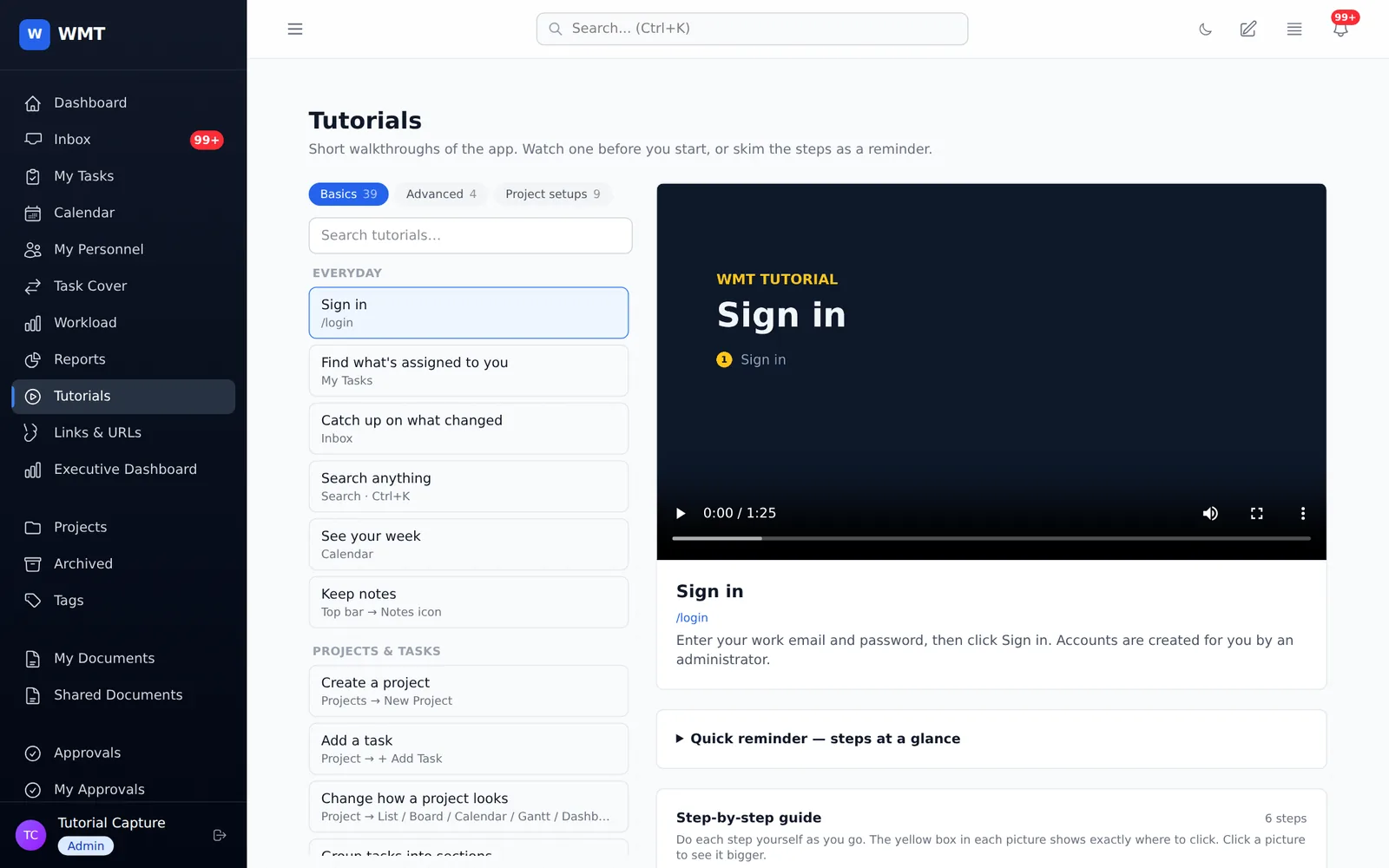
Narrated walkthrough videos with subtitles and step-by-step guides inside the app, for everything from signing in to building an approval chain.
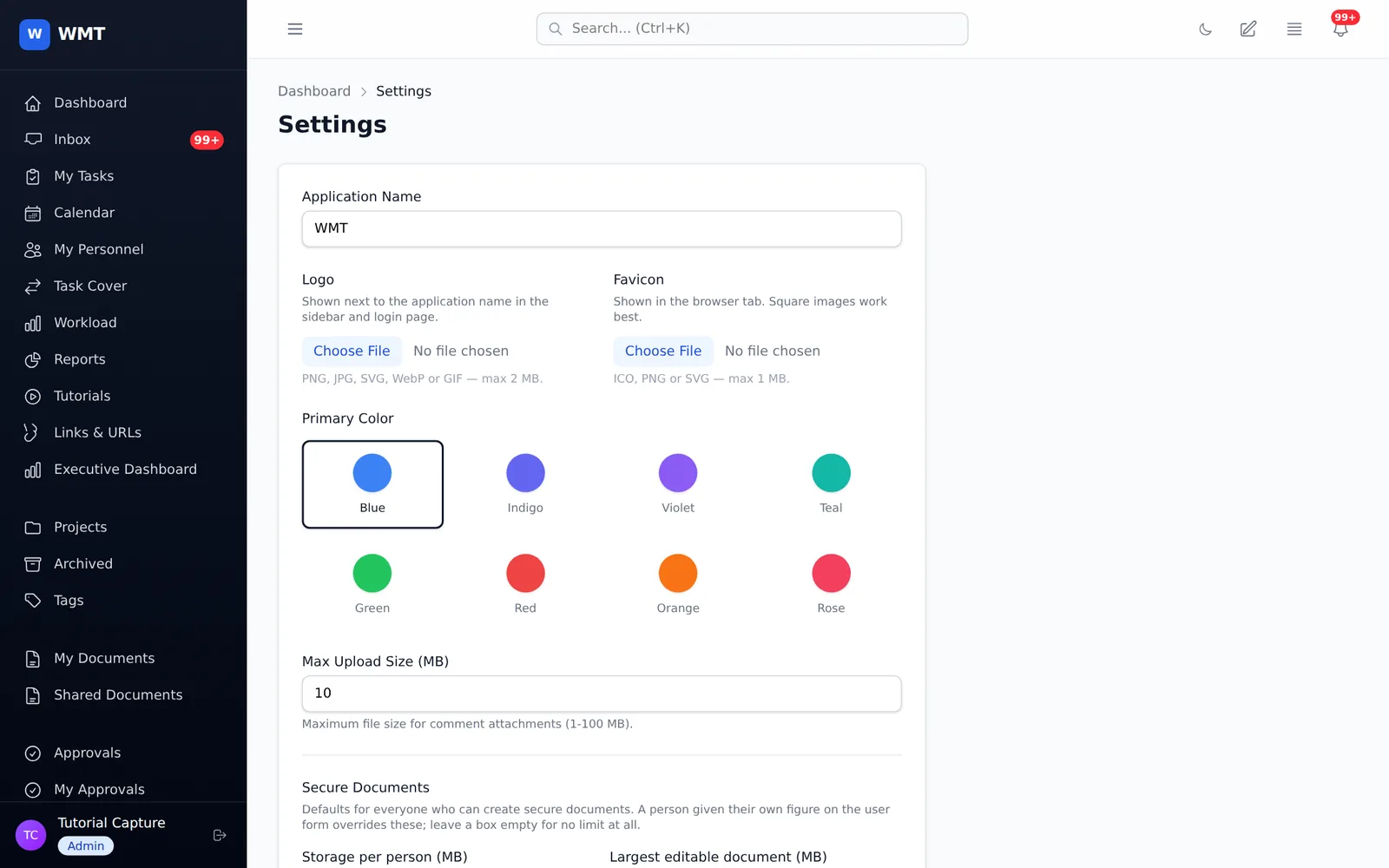
Set the app name, logo, favicon and one of eight colour palettes. Every screen supports dark mode.
A chat assistant that understands your projects and workload, available to installations that opt in.
A secure MCP connector lets each authorised person ask their AI client about the work they can already see, or update it with a separate permission.
Bring projects, sections, tasks, subtasks, custom fields, comments and attachments across, then re-run the import safely without creating duplicates.
A curated set of links for each person, managed by administrators.
Deleted projects and tasks stay in a recycle bin for 30 days before they're removed.
A token-based API and push notifications power the companion mobile app.
Security & governance
Built-in roles for users, supervisors, division heads, executives, admins and super admins, plus fine-grained permissions.
Every page, API call, live update channel and AI connector applies the same visibility rules.
Sign in through your organisation's identity provider. Signing out there also signs you out of WMT.
There's no public sign-up. Administrators create accounts, and a deactivated account loses access immediately.
Task changes, role changes, purges and document access are all recorded.
The database goes to several off-site destinations, and attachments sit in versioned object storage.
Gallery
Click any picture to see it full size.